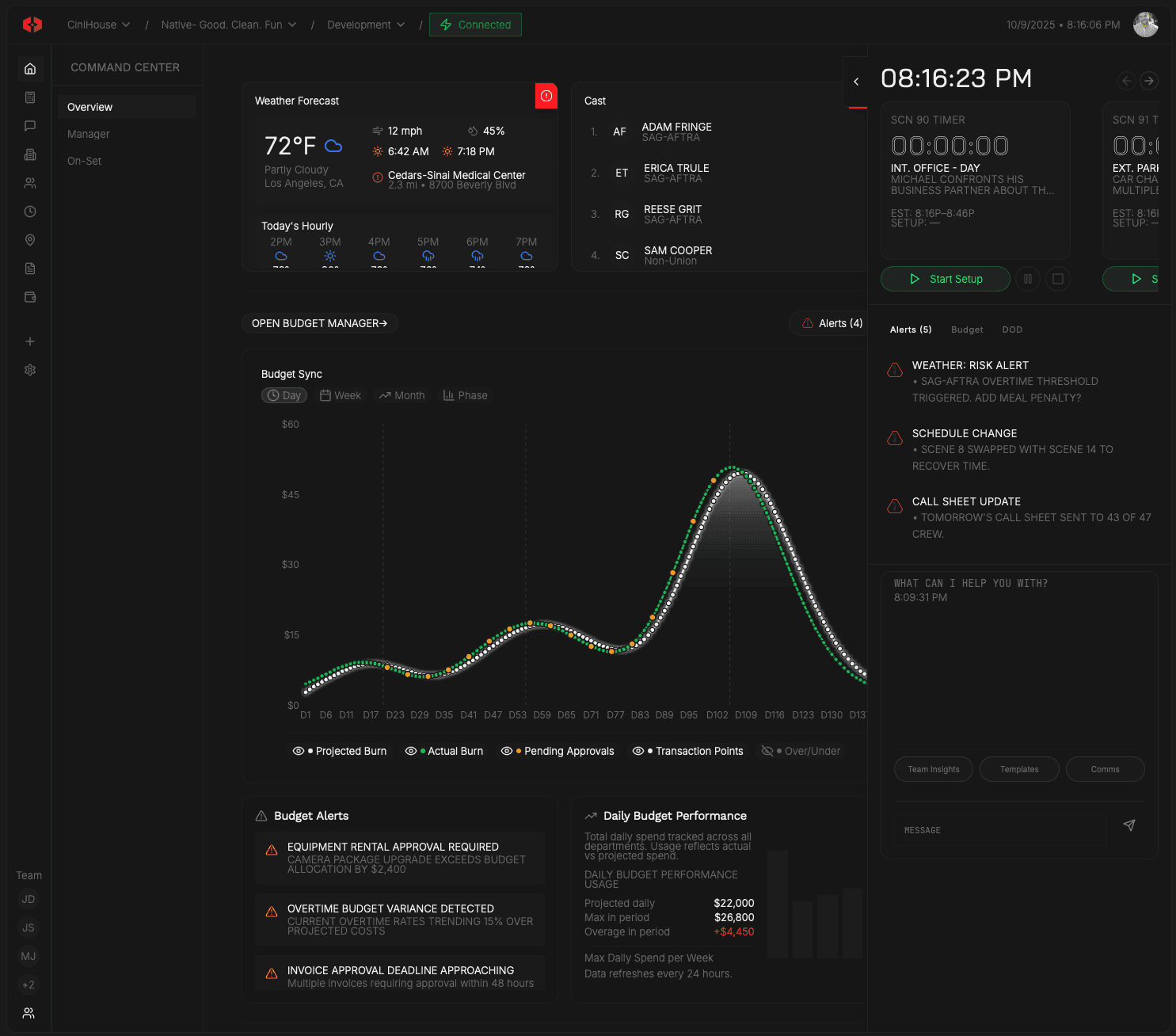
Teams Manager
Build your roster. Set authority. Assign crew.
Build production teams around defined roles so access, paperwork, and accountability stay correct.
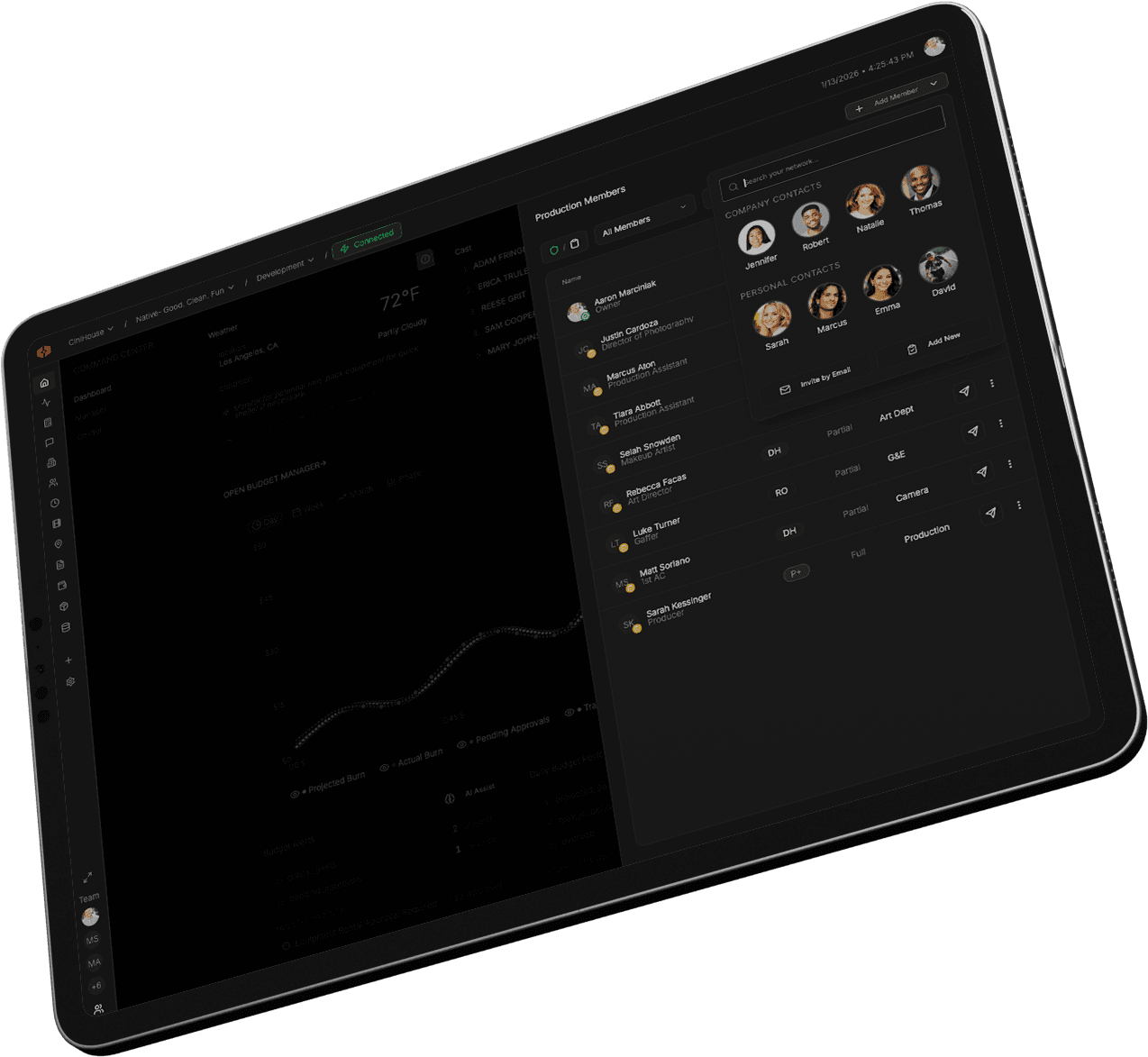

Link
Tie budgets, contracts, and paperwork to roles.
Inside Teams Manager
Build the team first.
Start by defining the roles your production needs. You can fully structure the team before a single person is connected to the system. This lets you plan staffing, costs, and paperwork before onboarding..

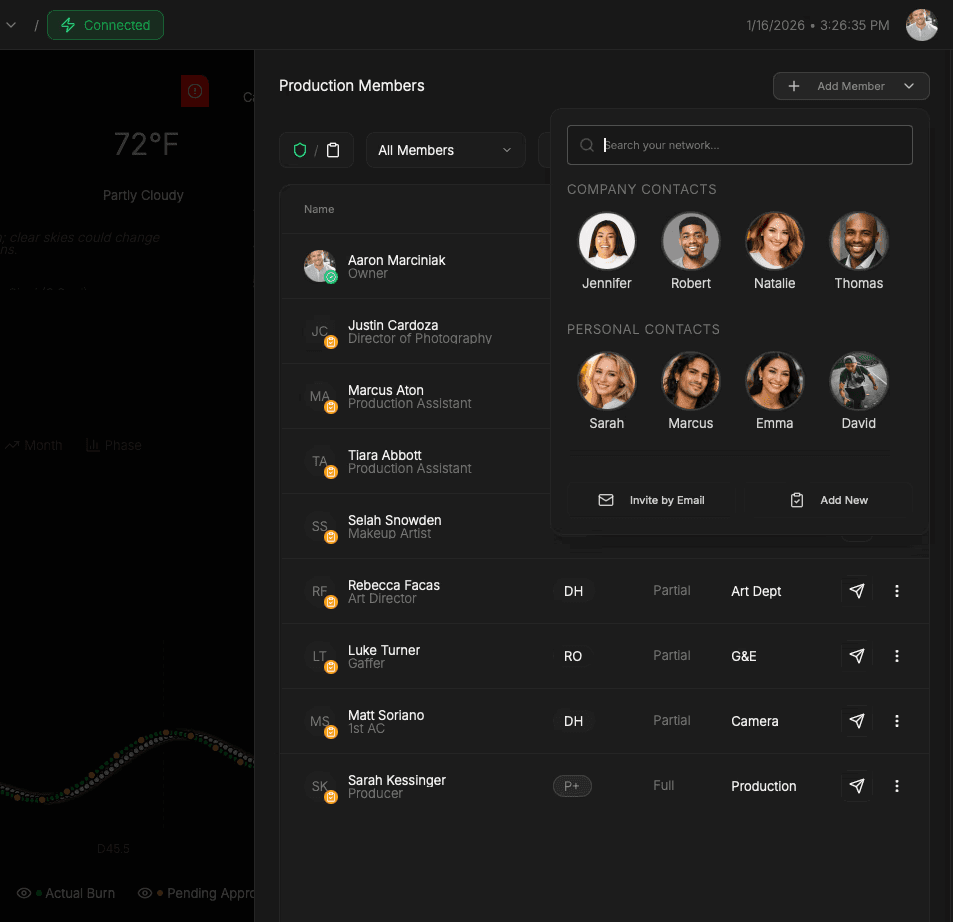
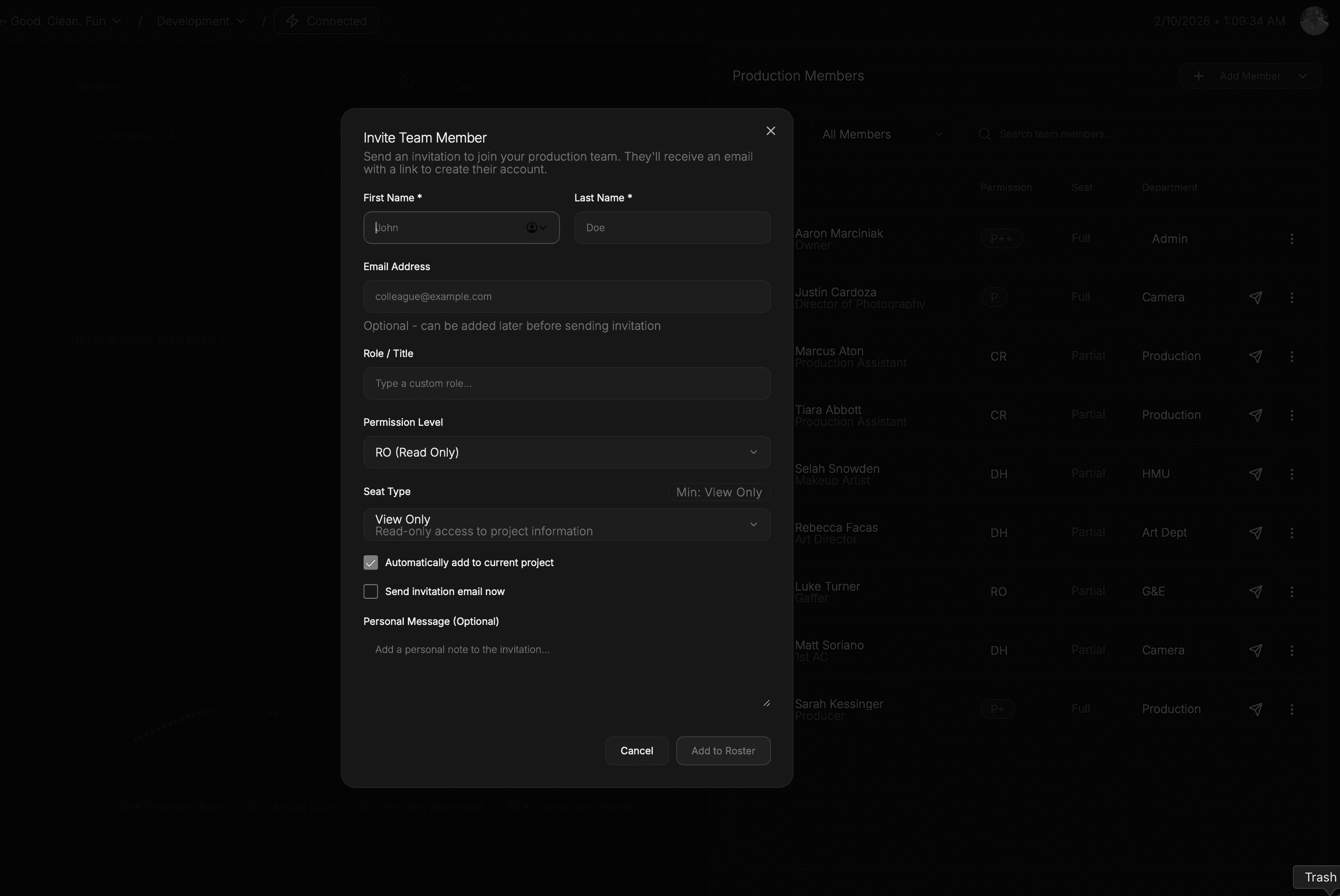
Everything connects to the role.
Budgets, contracts, and required documents attach to the role. If a role spans multiple budget line items or agreements, it all stays grouped in one place.
Collect paperwork without friction.
Send onboarding to collect signatures, IDs, and forms — even if the person never uses the app. Paperwork still lands exactly where it belongs, tied to the correct role.
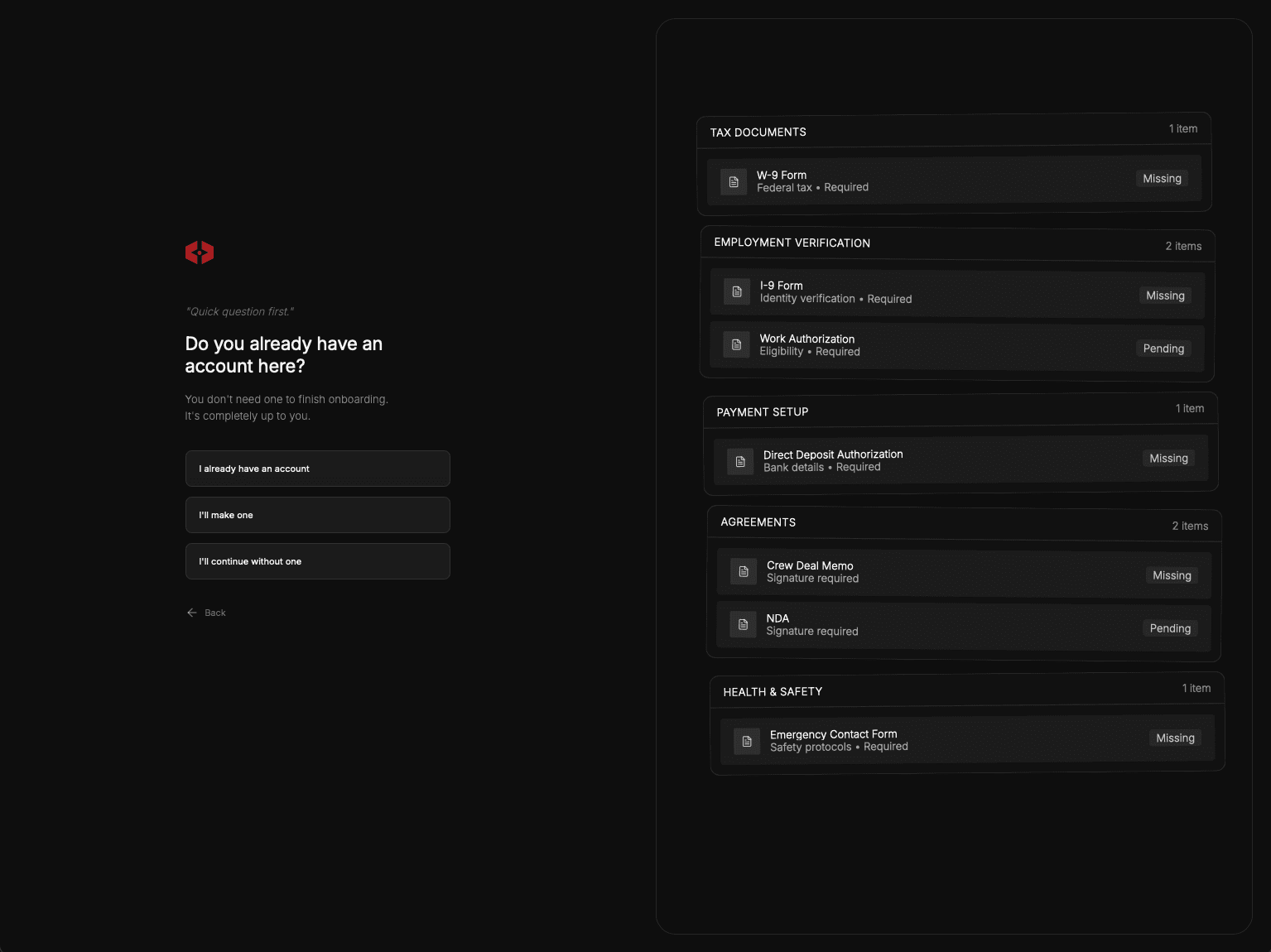
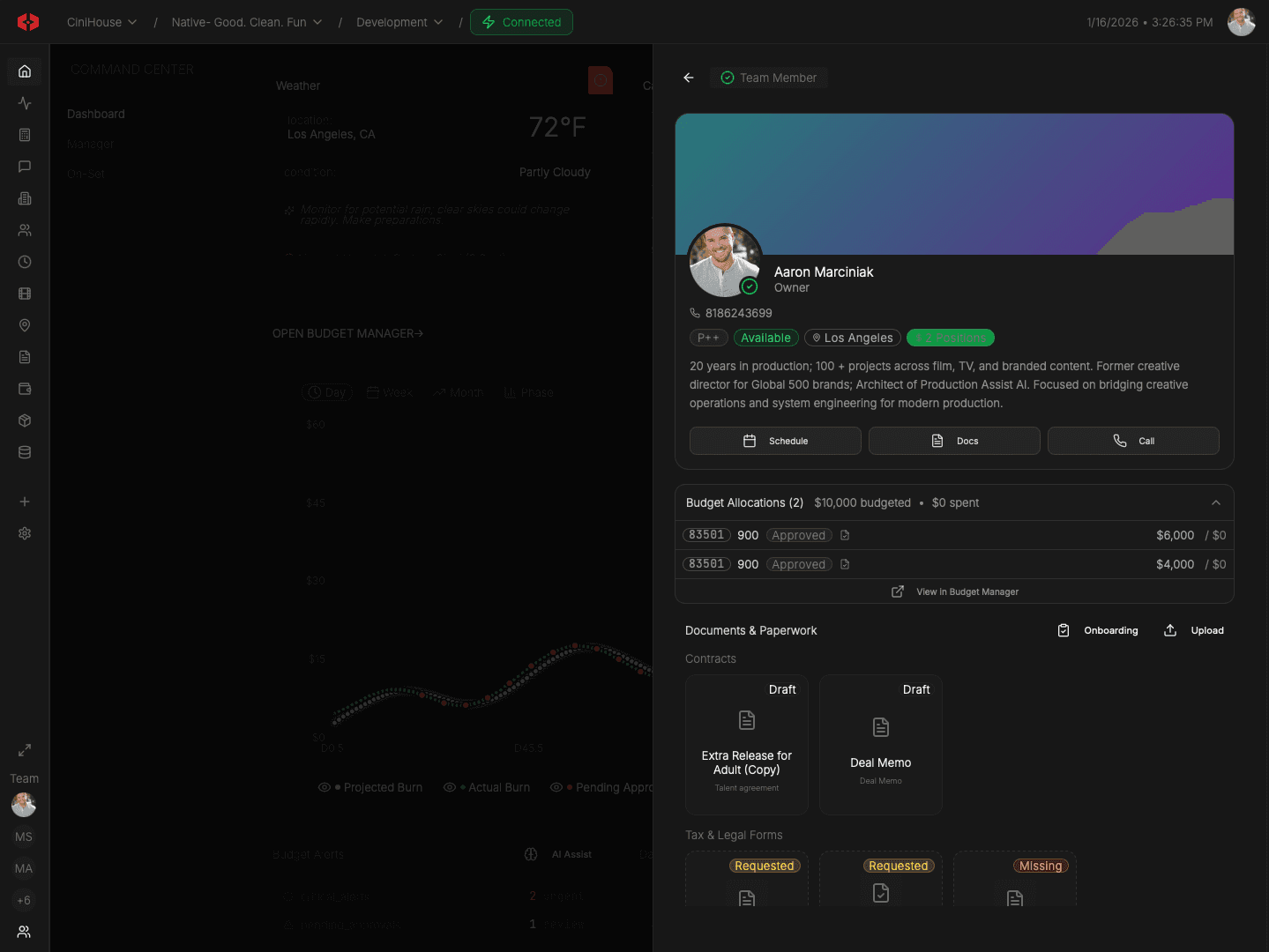
Bring people into the system.
When you want someone using departments, surfaces, and production communications, you connect them to the role you already built. They step into an existing structure — nothing is rebuilt, nothing is re-collected.
One system, two modes of operation
Teams Manager lets you run production whether crew adopts the app or not. You’re never blocked by participation — and never penalized for upgrading later.
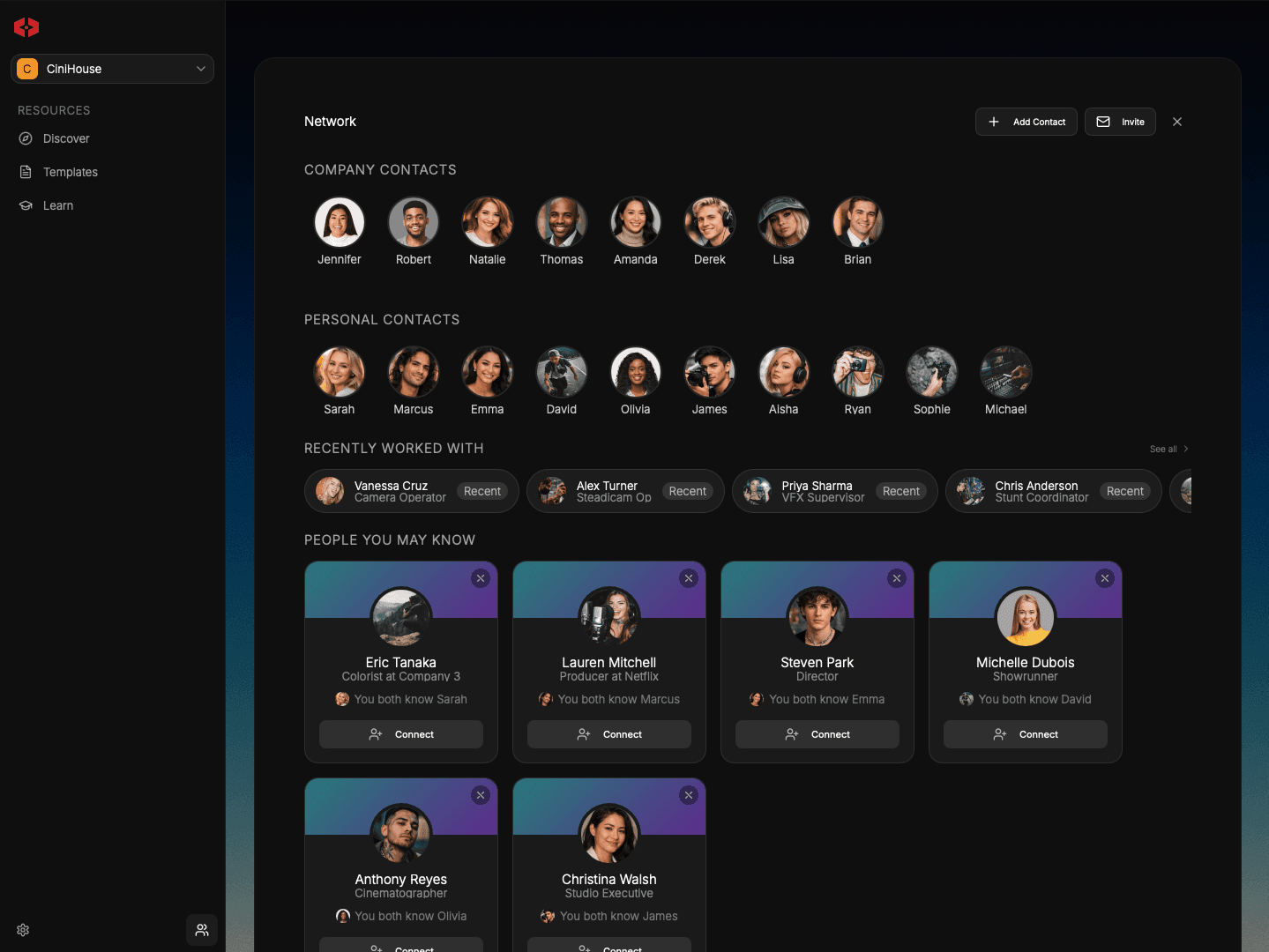
Manage roles, permissions, and execution from one unified system.
Budget
Builder
Scene
Scheduling
Version
Tracking
Context-Aware
Reasoning
Unified Data
Model
Project-Scoped
Universes
Contract
Templates
Call Sheets
Builder
Signature
Tracking
Live Spend
Tracking
Rate
Libraries
Spend
Cards
DoD
Builder
Union Rules
Engine
Role-Based
Access
Live Weather
Alerts
Call Sheet
Distribution
Production
Comms
Audit
Logging
Production
Bible Exports
We’ve got answers
What is a roster position?
Can I build the team before inviting crew?
What happens when a crew member joins?
Can I manage crew who don’t use the app?
How does this connect to the rest of the production?
Everything you need to plan, run, and deliver a production—without juggling software.