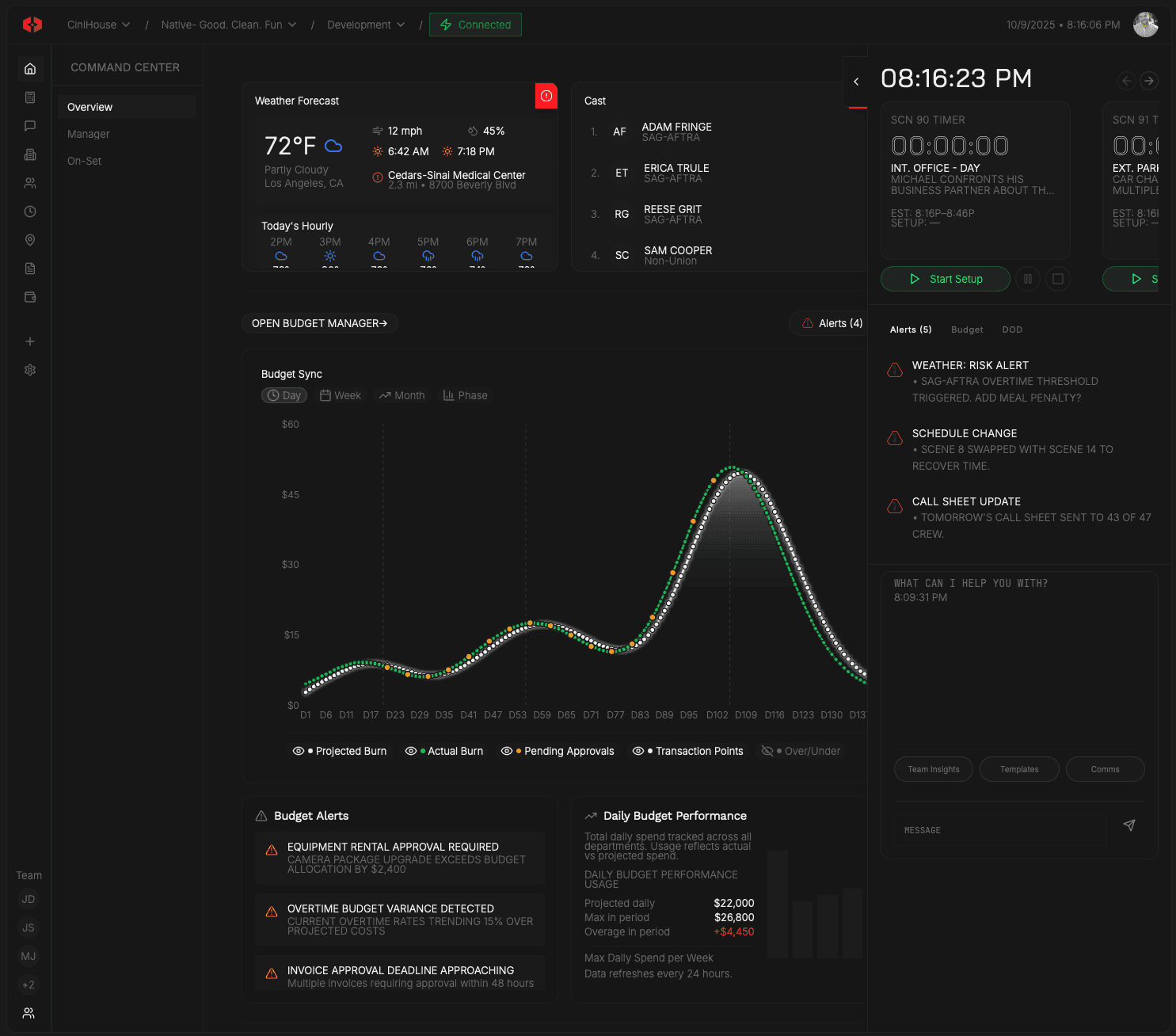
Workspaces
Clear boundaries for every level of production.
Separate personal work, company operations, and individual productions — so ownership, authority, and visibility never blur.
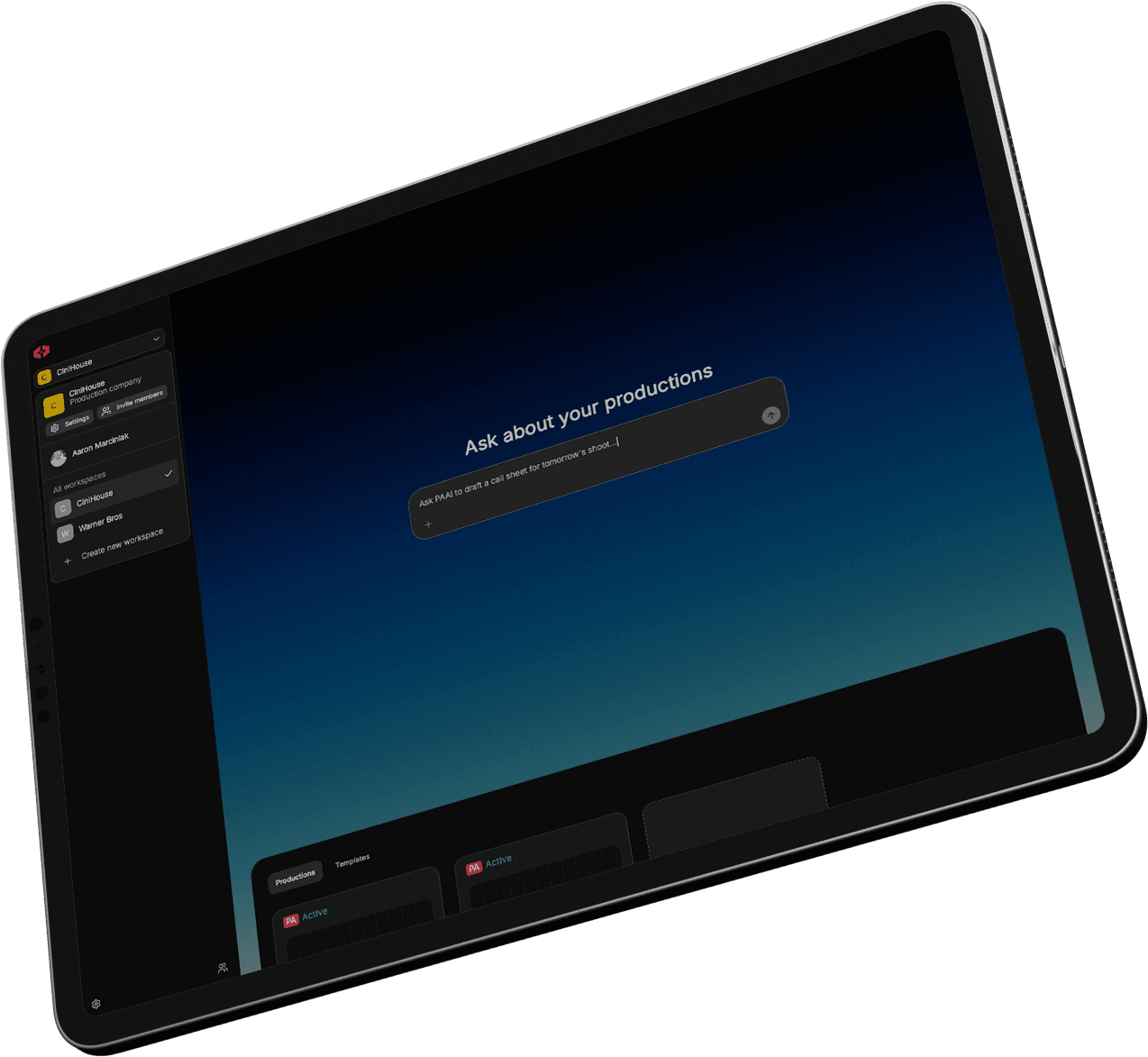

Maintain
Keep templates, productions, and company entities isolated unless intentionally transferred.
Inside Workspaces
Own your identity. Control your foundation.
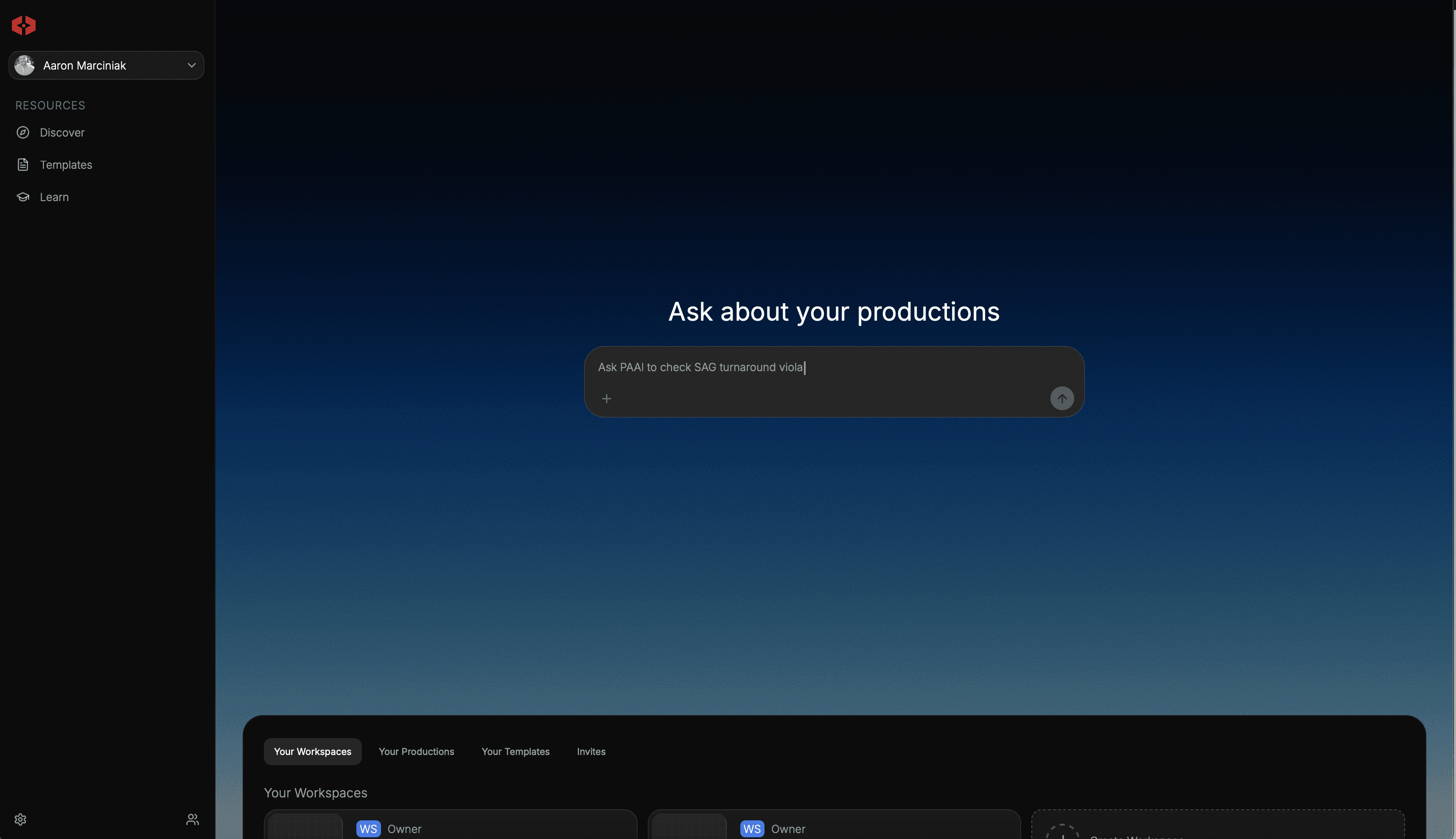
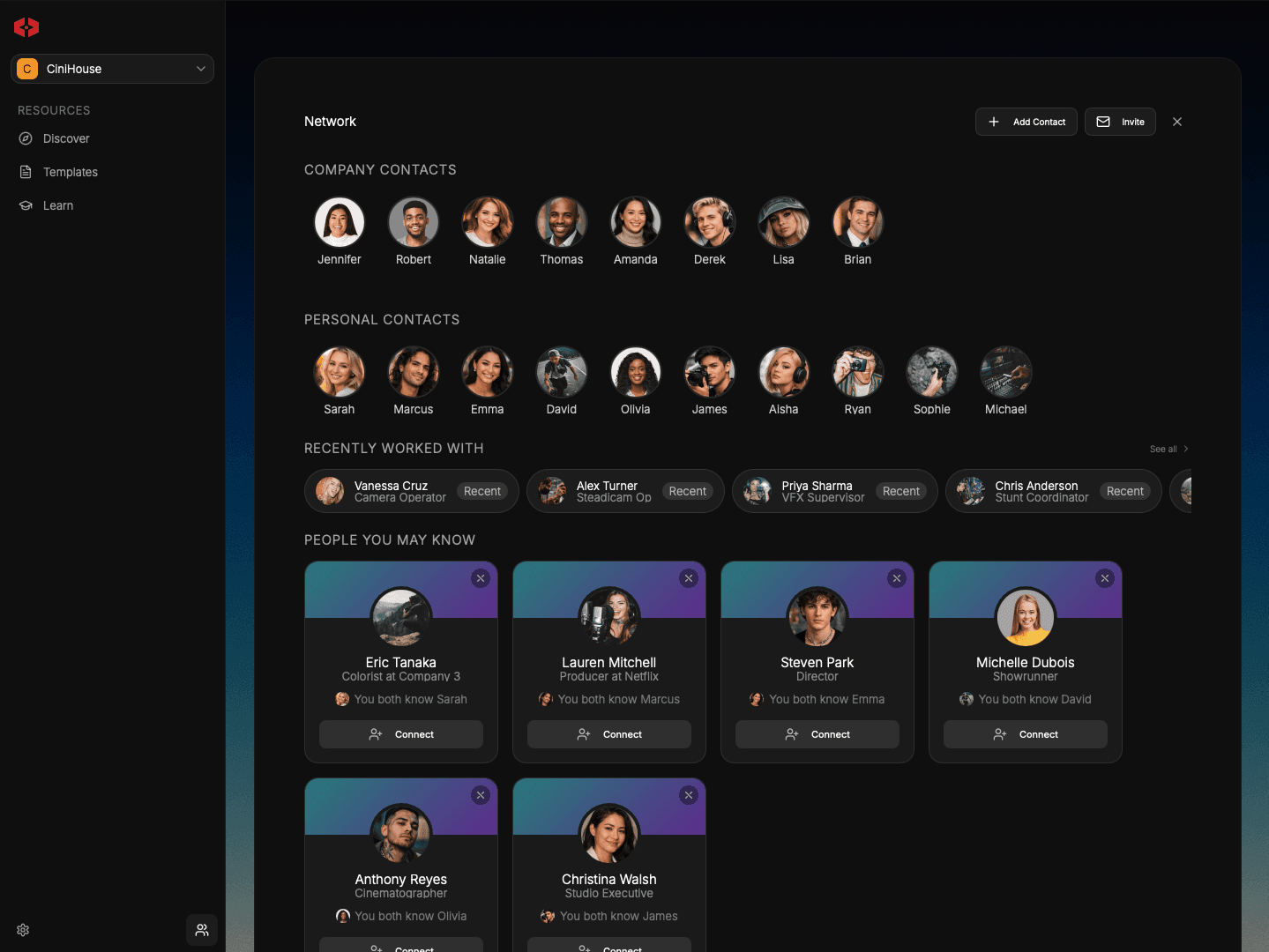
The personal workspace anchors individual ownership inside the system. Private templates, personal contacts, and production invitations live independently from company or project structures. Nothing becomes collaborative unless intentionally connected.

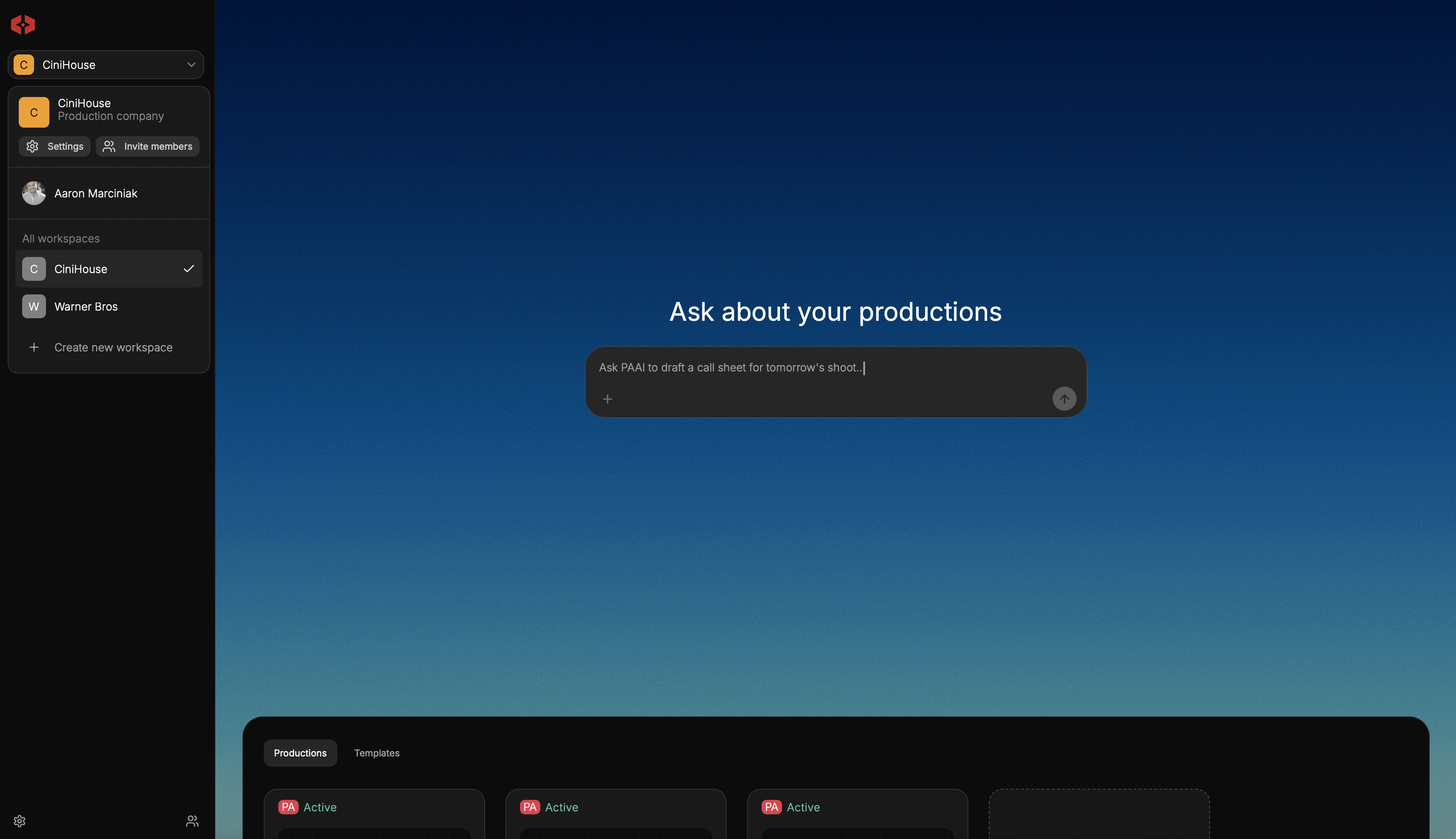
Operate at the business level.
A company workspace defines operational structure — shared contacts, owned productions, and internal collaboration — without merging into personal ownership. Assets can be brought in intentionally, but remain structurally distinct from their source.
Execute inside isolated environments.
Each production runs inside its own contained workspace. Budgets, contracts, teams, documents, and records remain attached to the production that owns them. Templates must be cloned before use, ensuring changes never ripple backward or sideways into unrelated work.
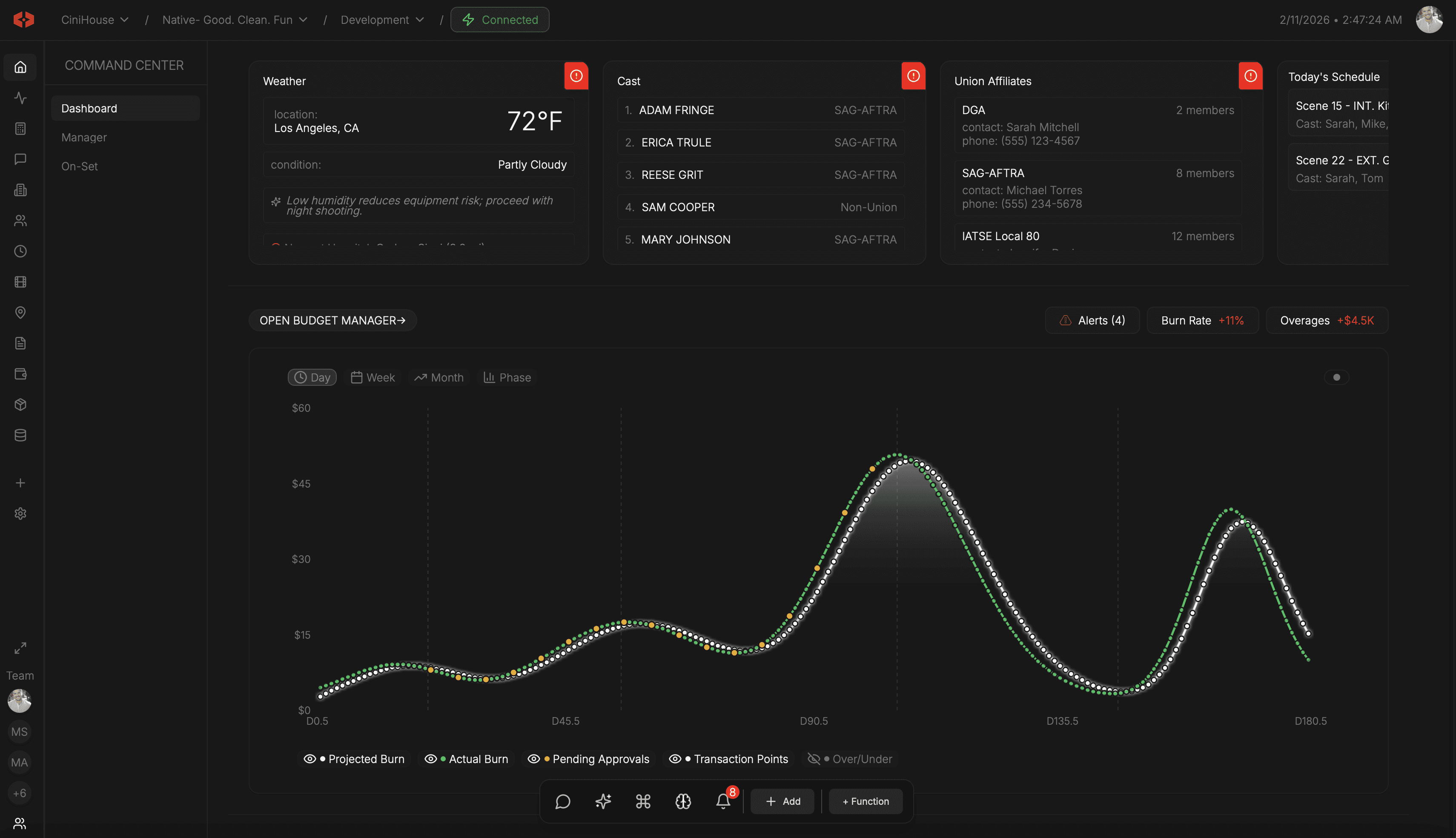
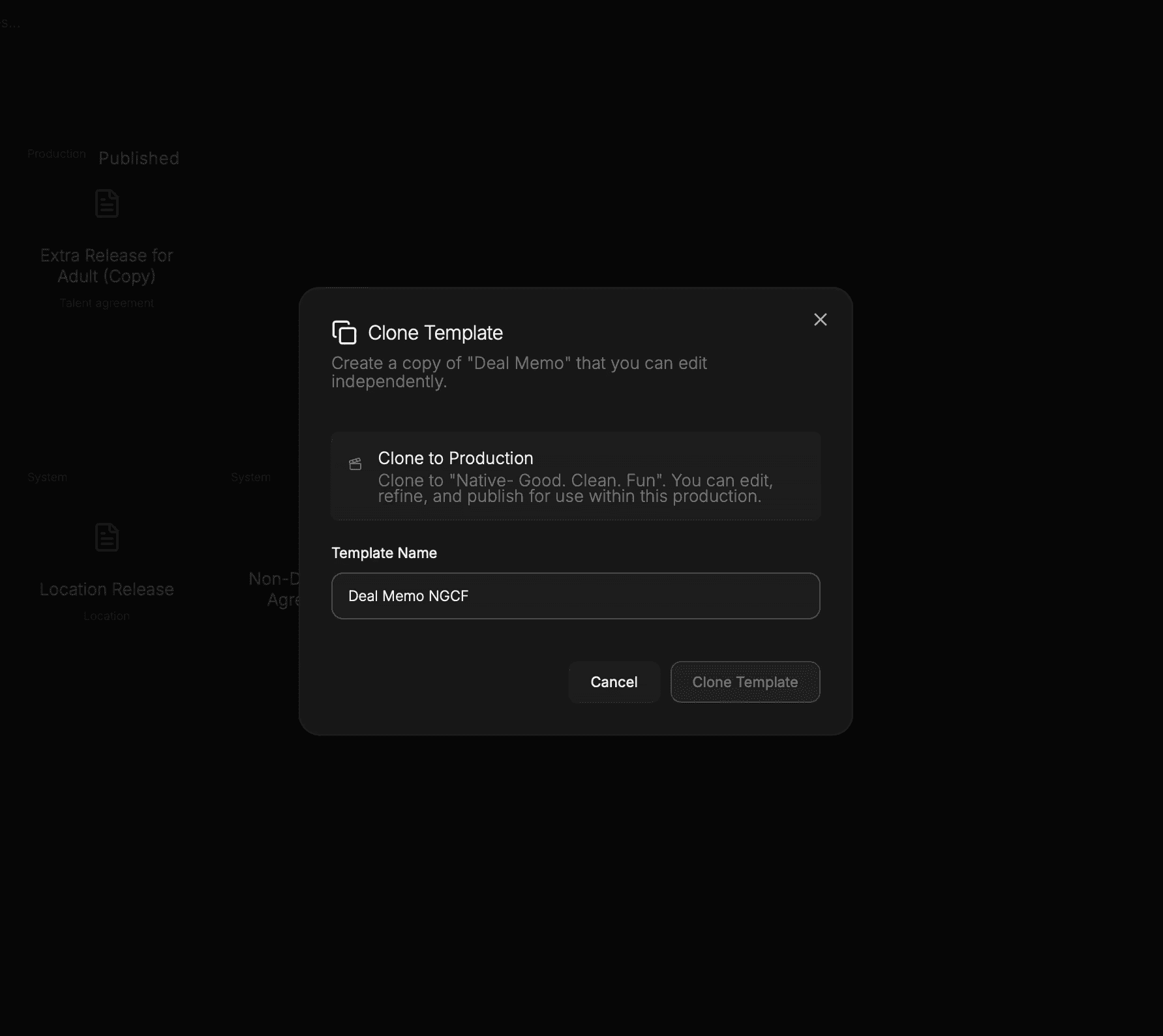
Nothing moves without intent.
Templates, contacts, and assets do not auto-inherit across contexts. Cloning creates a new working copy. The source remains untouched. Edits inside one workspace never alter another.
Authority is always visible.
Ownership, collaboration, and execution are separated by design. Personal control, company operations, and production work do not overlap unless explicitly connected. Every asset has a clear home.
Explore how budgets, contracts, onboarding, and callsheets operate inside structured workspaces.
Budget
Builder
Scene
Scheduling
Version
Tracking
Context-Aware
Reasoning
Unified Data
Model
Project-Scoped
Universes
Contract
Templates
Call Sheets
Builder
Signature
Tracking
Live Spend
Tracking
Rate
Libraries
Spend
Cards
DoD
Builder
Union Rules
Engine
Role-Based
Access
Live Weather
Alerts
Call Sheet
Distribution
Production
Comms
Audit
Logging
Production
Bible Exports
We’ve got answers
What is the difference between personal, company, and production workspaces?
Can templates move between workspaces?
Why are workspaces separated?
What happens if I am invited to a production?
Can company contacts and personal contacts mix?
Everything you need to plan, run, and deliver a production—without juggling software.