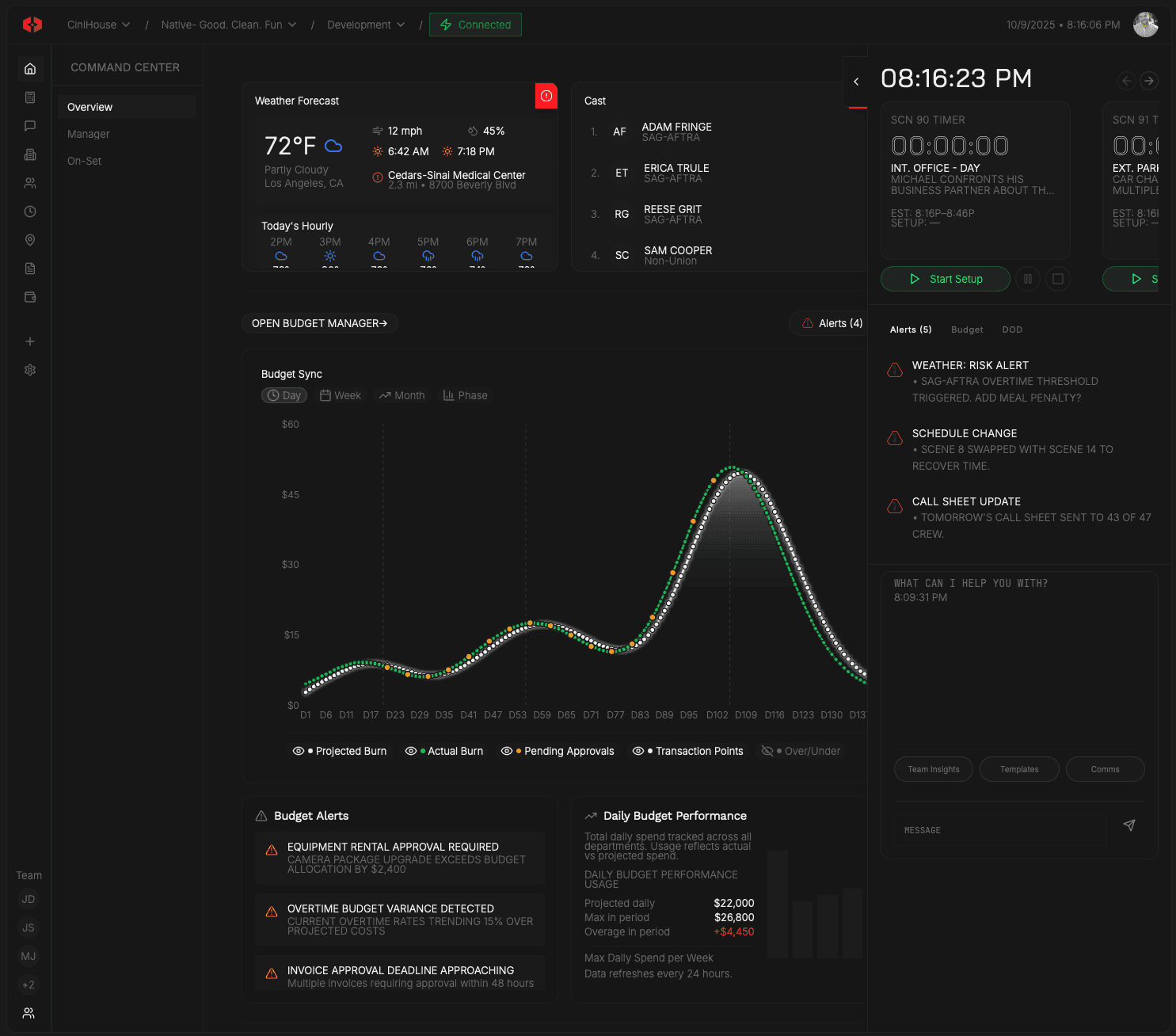
Smart Onboarding
Onboarding built for production.
Send paperwork, track progress, and file approved documents in one secure portal.

Send
Issue onboarding through a secure portal.
Inside Smart Onboarding
Define what’s required.
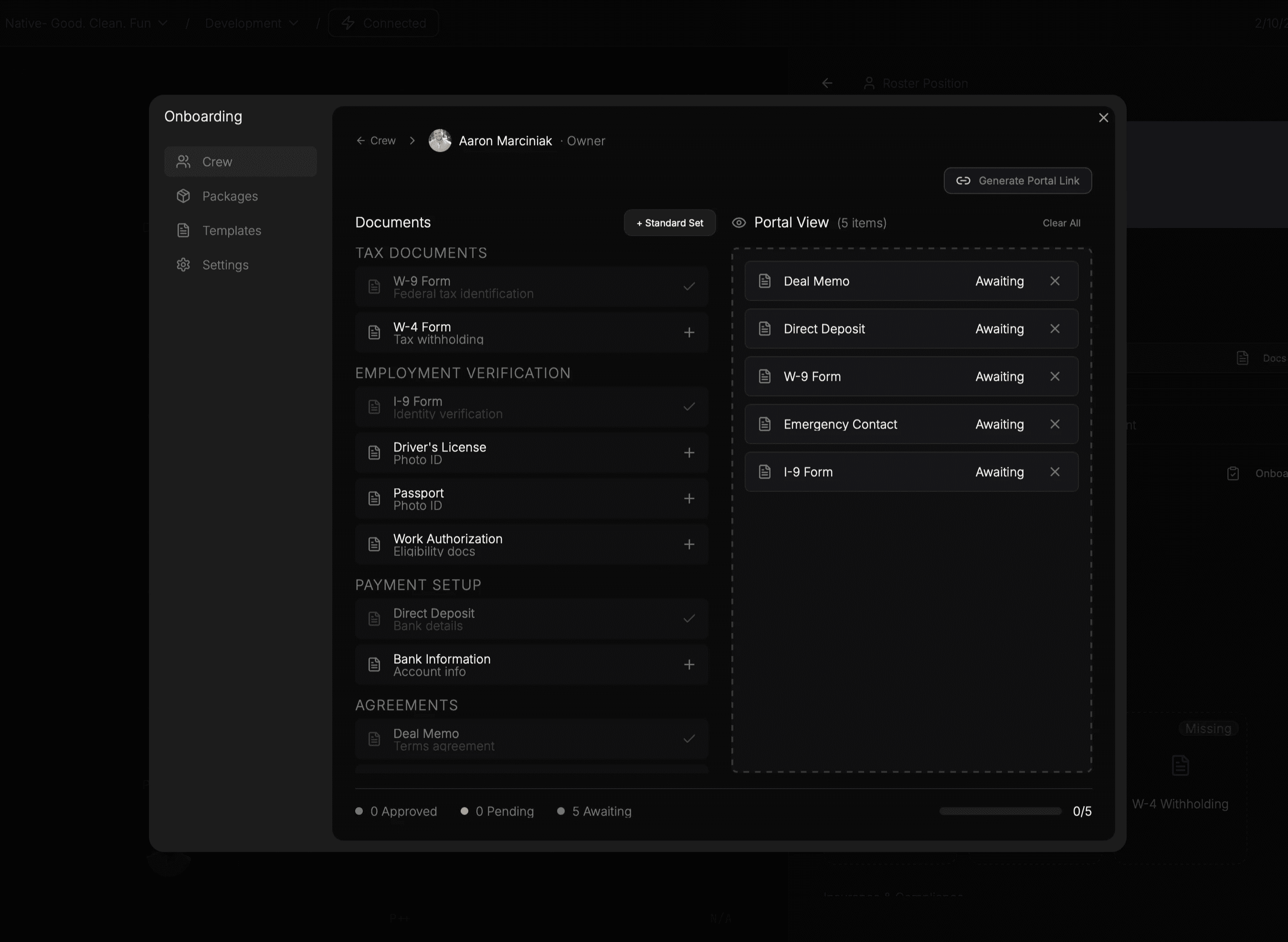
Build onboarding paperwork as packets for the production or individual roles—documents, forms, and signatures—before sending anything out.

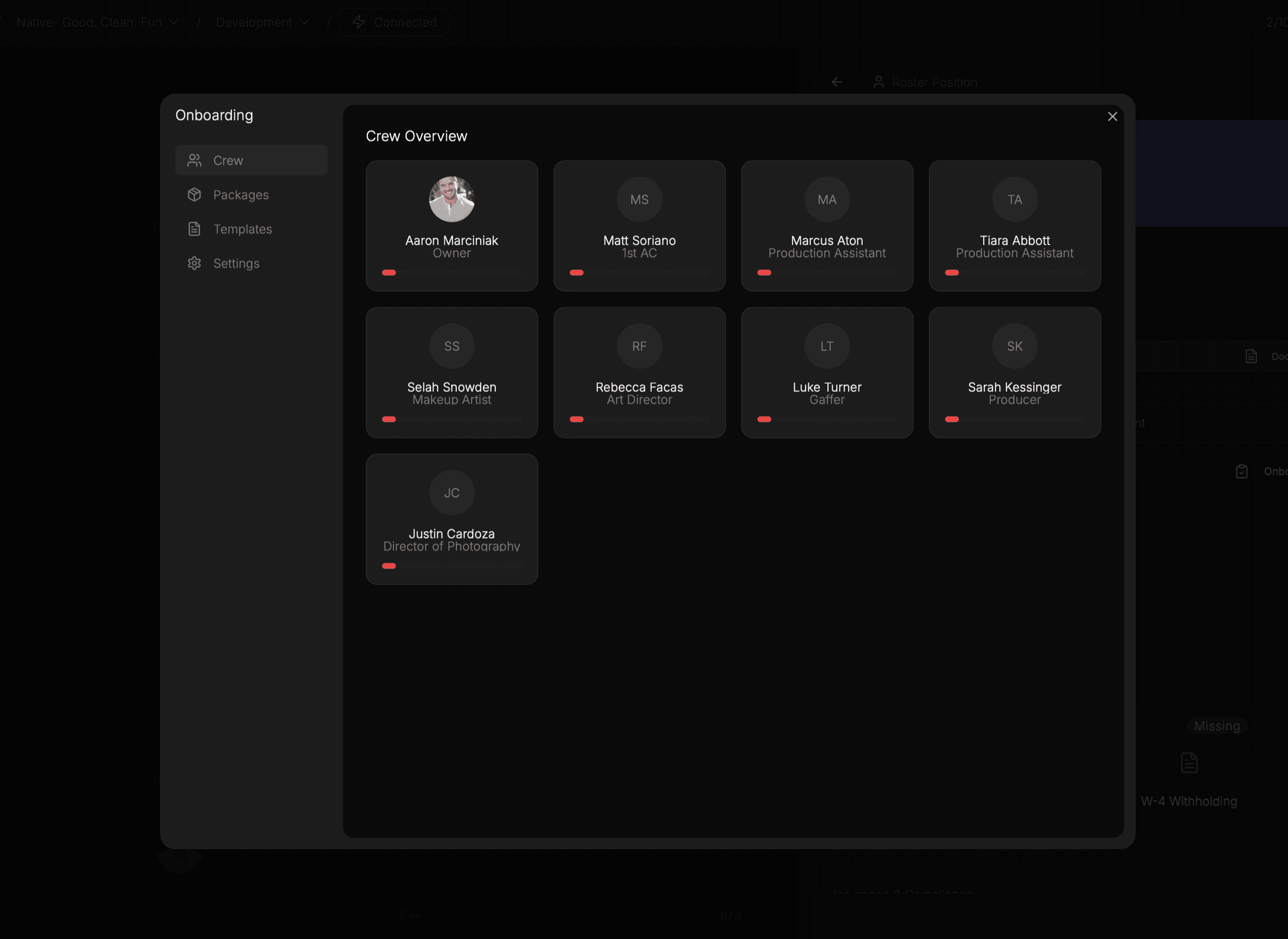
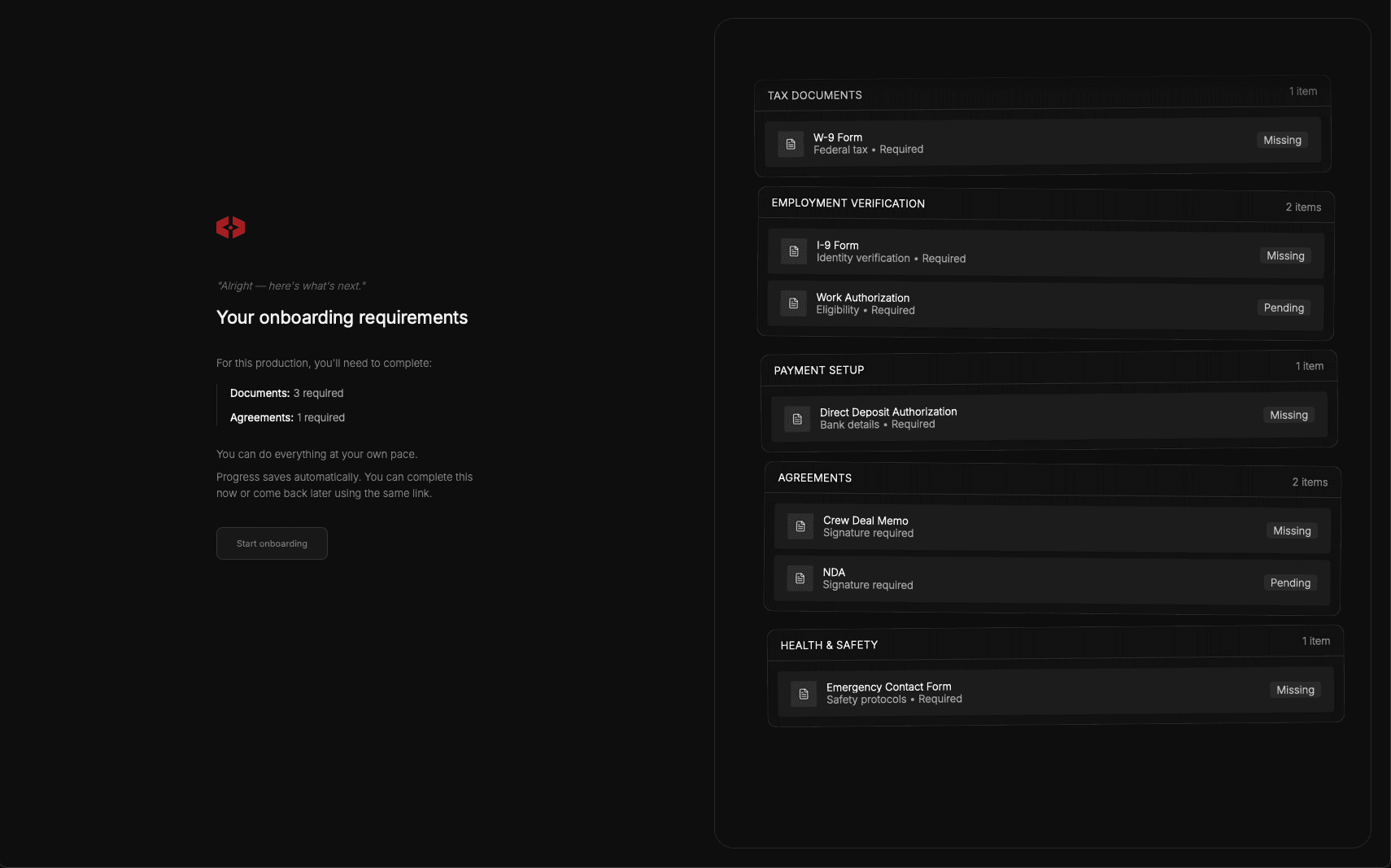
Send onboarding through a portal.
Onboarding is delivered by email and completed through a guided portal. Crew always know what’s required and where they are in the process.
Review submissions as they arrive.
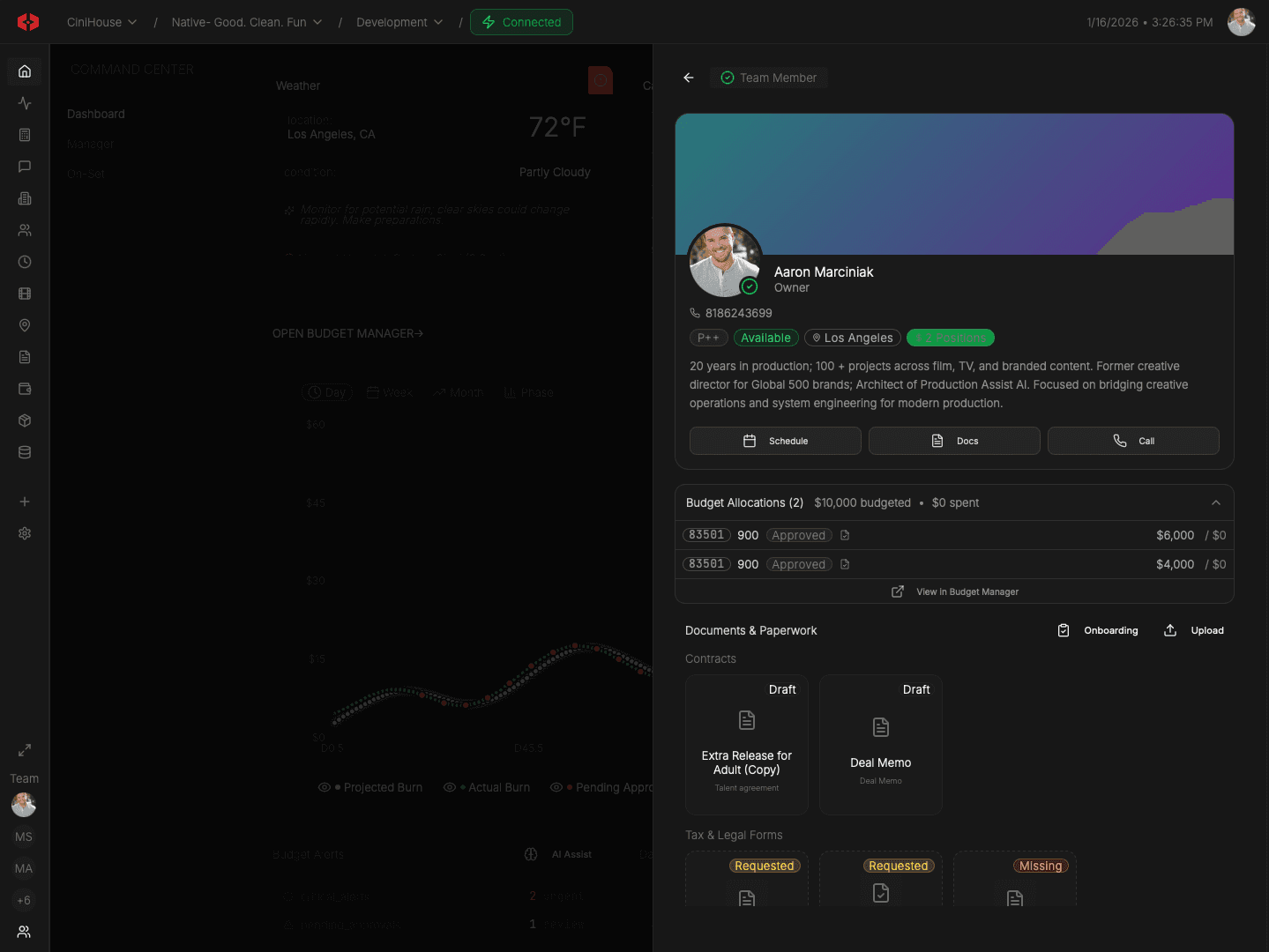
As paperwork is completed, review each submission in one place. Approve it, request changes, or flag what’s missing.
File approved documents automatically.
Once approved, documents are filed to the correct role and production records. No inbox sorting. No manual uploads.
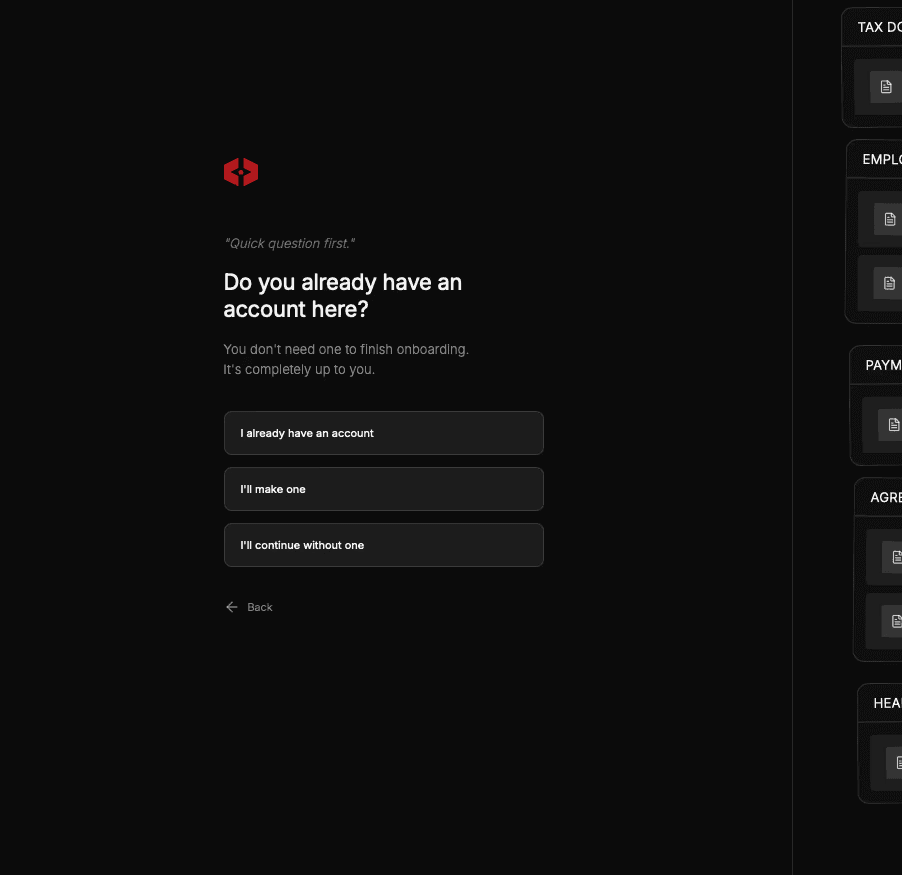
Works with or without platform access.
Crew can complete onboarding through the portal whether or not they join the platform. If they do join later, their approved paperwork is already in place.
Collect, review, and file onboarding documents inside the system.
Budget
Builder
Scene
Scheduling
Version
Tracking
Context-Aware
Reasoning
Unified Data
Model
Project-Scoped
Universes
Contract
Templates
Call Sheets
Builder
Signature
Tracking
Live Spend
Tracking
Rate
Libraries
Spend
Cards
DoD
Builder
Union Rules
Engine
Role-Based
Access
Live Weather
Alerts
Call Sheet
Distribution
Production
Comms
Audit
Logging
Production
Bible Exports
We’ve got answers
What is sent during onboarding?
How do crew complete onboarding?
Can onboarding packets be reused?
What happens after paperwork is submitted?
Does onboarding require crew to use the app?
Everything you need to plan, run, and deliver a production—without juggling software.